

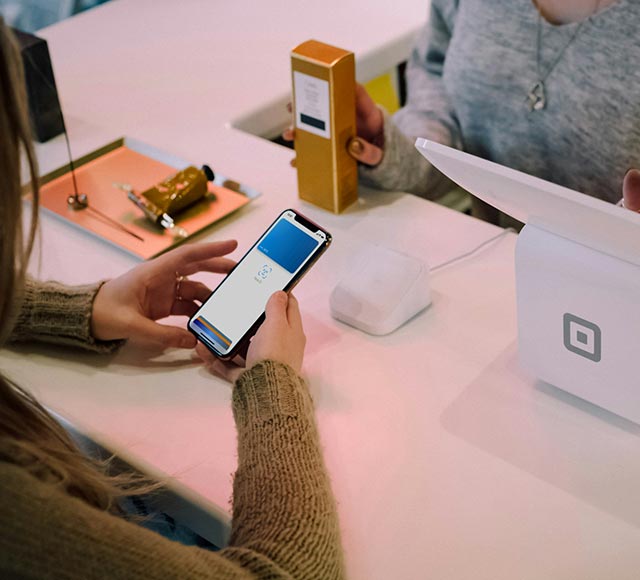
Whether you’re on an iOS or Android device, you can soon make secure, contactless payments from your Reliance Bank debit cards using only your smartphone using Apple Pay & Google Pay. Tap your phone wherever you see the contactless payment symbol for one-touch checkout that protects your card number and other personal details from sellers.

How Do I Use Apple Pay?
- Grab your iPhone and open the Wallet app
- Tap the +, select Credit or Debit Card, and tap Continue
- Follow the on-screen instructions to scan your card or enter your details
- Wait while your card is verified (this won't take long!)
- Use your fingerprint or your face to make your first payment


How Do I Use Google Pay?
- Open Google Pay™ (you may have to download it from the Google Play™ store)
- Tap Add a Card and follow the onscreen instructions
- You may be asked to create a pin or password for your phone, or set up fingerprint or facial recognition
- Check your settings to make sure that Google Pay™ is your default payment method
- Use your pin, fingerprint, or face to make your first payment


What Makes These Features Special?
- Use your phone as a debit or credit card
- Make secure, contactless purchases in shops, in apps, and on the web
- Leave your wallet at home
- Use them anywhere that accepts contactless payments
Try Apple Pay® or Google Pay™ today from your iOS or Android smartphone.


Apple®, the Apple logo, iPhone®, Apple Pay, Touch ID® and Face ID® are trademarks of Apple Inc., registered in the U.S. and other countries.
Android, Google and Google Pay are trademarks of Google LLC.
Reliance Bank is not affiliated with, endorsed, sponsored or otherwise authorized by Apple Inc., Google LLC.
Android, Google and Google Pay are trademarks of Google LLC.
Reliance Bank is not affiliated with, endorsed, sponsored or otherwise authorized by Apple Inc., Google LLC.